How to Unlock the Butterflies Lens on Snapchat?
When I first saw the Butterflies Lens on Snapchat, I immediately wanted to try it. The soft butterflies flying around the face looked aesthetic and different from regular lenses. At first, I couldn’t find it anywhere in my lens carousel, which made me think it was removed or limited — something that often happens with Snapchat lenses and filters.
After experimenting with Snapchat and learning how lenses actually work, I finally figured out how to unlock the Butterflies Lens. In this article, I’ll share everything I learned from my own experience so you can unlock it easily without confusion.
What Is the Butterflies Lens on Snapchat?
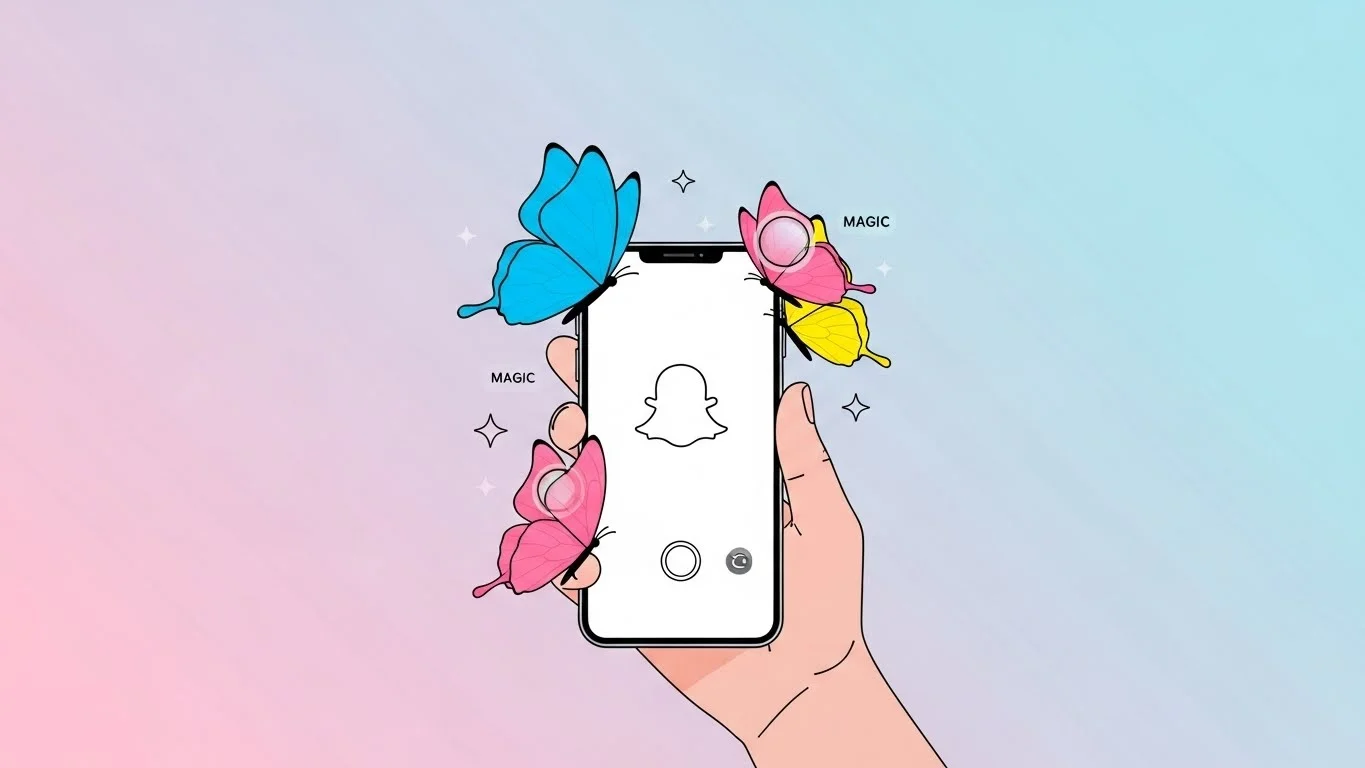
The Butterflies Lens is a visual effect that adds animated butterflies around your face or in the background. It’s mostly used for aesthetic snaps, selfies, and stories because it gives a soft and dreamy look.
This lens isn’t always visible by default. Sometimes it appears in the lens carousel, and other times it disappears completely. That’s why many users think it’s gone forever, but that’s not true.
Snapchat rotates lenses frequently, and the Butterflies Lens often becomes hidden instead of removed.
Why You Can’t Find the Butterflies Lens Easily
One thing I realized is that Snapchat doesn’t show every lens to every user at the same time. Some lenses are trending, while others are archived or rotated out temporarily.
The Butterflies Lens usually disappears when it’s no longer trending. Snapchat prefers showing new or popular lenses first, which pushes older ones out of sight.
This doesn’t mean the lens is deleted. It just means you need to unlock it manually.
Method 1: Use Snapchat Lens Search
The easiest way I unlocked the Butterflies Lens was through Snapchat’s lens search feature. This option is available directly inside the camera screen.
I opened Snapchat and tapped on the smiley face icon next to the capture button. From there, I tapped on the explore or search option and typed keywords like “butterflies” or “butterfly lens.”
After scrolling a bit, I found multiple butterfly-themed lenses. Once I tapped on the correct one, it unlocked instantly and appeared in my lens carousel.
Method 2: Scan a Butterflies Lens Snapcode
Another reliable way to unlock the Butterflies Lens is by using a Snapcode. Many creators share Snapcodes for popular lenses.
When I scanned a Snapcode for the Butterflies Lens, Snapchat opened the lens preview immediately. I tapped the unlock button, and the lens was added to my account.
This method works even when the lens doesn’t show up in search results. It’s especially helpful if the lens is older or region-limited.
Method 3: Open a Friend’s Story or Snap
I’ve also unlocked the Butterflies Lens through a friend’s snap. If someone you know uses the lens and posts it to their story, Snapchat allows you to access it directly.
When I tapped on the lens name shown above the snap, Snapchat gave me the option to try it. Once I used it, the lens automatically saved to my carousel for a limited time.
This is one of the fastest ways if you see the lens already in use.
Method 4: Use the Snapchat Lens Creator Name
Some versions of the Butterflies Lens are made by different creators. I noticed that searching the creator’s name sometimes works better than searching the lens name itself.
If you know the creator, type their name into the lens search. This often reveals similar butterfly lenses that work almost the same way.
Even if it’s not the exact original version, the effect usually looks very close.
How Long the Butterflies Lens Stays Unlocked
One thing that confused me initially was how long the lens stayed available. Snapchat lenses don’t always stay unlocked permanently.
In my experience, the Butterflies Lens usually stays in the carousel for 24 to 48 hours after unlocking. Sometimes it stays longer if I use it frequently.
If it disappears again, you can simply unlock it using the same methods. Snapchat doesn’t restrict how many times you can re-unlock a lens.
Why the Butterflies Lens Disappears Again
The Butterflies Lens disappearing doesn’t mean something went wrong. Snapchat automatically rotates lenses to keep the experience fresh.
If you don’t use a lens for a while, Snapchat removes it from your active carousel. This happens with many popular lenses, not just butterfly-themed ones.
Using the lens regularly increases the chance that it stays visible longer.
My Personal Experience Using the Butterflies Lens
When I finally unlocked the Butterflies Lens, it instantly became one of my favorites. I used it for selfies, nature snaps, and even casual stories.
The animation feels smooth and not overwhelming, which makes it perfect for daily use. I also noticed it works well in both indoor and outdoor lighting.
Many people replied to my stories asking how I unlocked it, which made me realize how popular this lens still is.
Common Myths About the Butterflies Lens
A common myth is that the Butterflies Lens is available only on certain devices. That’s not true. It works on all Snapchat-supported phones.
Another misunderstanding is that you need Snapchat Plus to unlock it. From my experience, that’s completely false. The lens is free and accessible to everyone.
Some users also believe reinstalling Snapchat unlocks hidden lenses. This rarely works and isn’t necessary at all.
Tips to Keep the Butterflies Lens Longer
One trick that worked for me was using the lens multiple times in a short period. Snapchat seems to prioritize lenses you actively use.
Saving snaps with the lens or posting stories using it can also help. This tells Snapchat that you like the lens.
Even if it disappears, unlocking it again takes only a few seconds.
Other Snapchat Lenses You Might Like
If you enjoy the Butterflies Lens, you’ll probably like other aesthetic lenses too. Snapchat has many hidden effects that work similarly.
Understanding Snapchat features makes it easier to explore these filters. I learned a lot about Snapchat visuals and symbols from reading about snapchat planets, which helped me understand how Snapchat personalizes features.
Once you understand how Snapchat rotates content, finding lenses becomes much easier.
Final Thoughts on Unlocking the Butterflies Lens
Unlocking the Butterflies Lens on Snapchat is much easier than it seems. Once I understood how lens search, Snapcodes, and shared snaps work, I stopped worrying about missing filters.
The lens isn’t gone forever. It just requires a little effort to find and unlock. With the steps I’ve shared, you can unlock it anytime and enjoy the aesthetic effect without confusion.
Snapchat constantly changes, but once you know how it works, you’ll never feel lost again.