How To Block Someone On Snapchat | Explained!
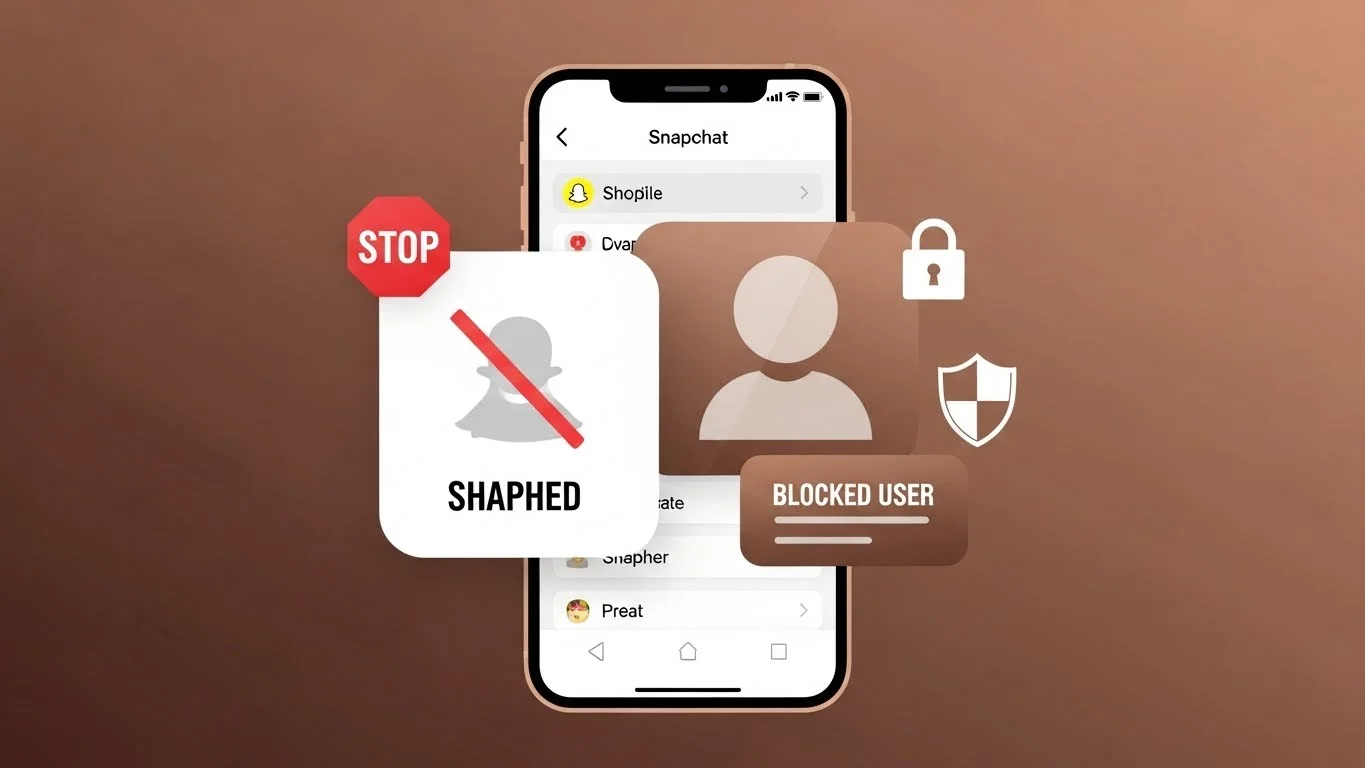
The first time I encountered someone on Snapchat that I didn’t want to interact with, I realized I had no idea how to block them. Snapchat’s interface is simple, but its privacy features can be a little confusing if you’re new. Over time, I learned the easiest way to block someone and protect my account from unwanted interactions by using Snapchat safety features.
Blocking someone on Snapchat is straightforward once you know the steps. It stops them from sending you snaps or messages, and they won’t be able to view your private stories anymore. In this guide, I’ll explain how to block someone safely, what happens after you block them, and some tips to manage your privacy.
Why You Might Want To Block Someone
There are multiple reasons I’ve needed to block someone on Snapchat. Sometimes it’s due to unwanted messages or spam. Other times, it’s about privacy—maybe someone is following me or interacting in ways I don’t like.
Blocking isn’t about being rude; it’s about controlling who can contact you. Snapchat makes it easy to maintain your safety and comfort, and blocking someone is part of that.
How To Block Someone On Snapchat – Step By Step
Here’s the process I follow whenever I need to block a user:
- Open Snapchat and go to your friends list or chat screen.
You can find the person you want to block from your chats or search their username. - Tap on their profile icon.
This opens their Snapchat profile, showing their info, stories, and emojis. - Select the “three dots” menu in the top-right corner.
This menu contains several options related to privacy and interaction. - Tap “Block.”
Snapchat will ask for confirmation. Confirm to block the user.
Once blocked, the person is removed from your friends list. They cannot contact you, view your private stories, or see your location if you use Snap Map.
What Happens After You Block Someone
From my experience, blocking someone completely restricts their access to your account. They cannot:
- Send snaps or chat messages.
- View private stories or story updates.
- See your location on Snap Map (if enabled).
- Add you as a friend again unless you unblock them.
However, any previous snaps, chats, or story views before blocking remain. Blocking doesn’t erase history—it only prevents future interaction.
How To Unblock Someone On Snapchat
Sometimes I’ve blocked someone by mistake or changed my mind later. Unblocking is simple:
- Go to Settings > Blocked.
- Find the user you want to unblock.
- Tap Unblock next to their name.
After unblocking, the person won’t automatically become your friend again. You’ll need to re-add them if you want to reconnect.
Can A Blocked Person See My Stories?
No. Once you block someone, they cannot see any of your private stories. Public stories, however, may still be visible depending on your privacy settings.
I personally make sure my stories are set to Friends Only to maintain privacy, especially after blocking someone.
Differences Between Blocking and Removing Friends
It’s important to understand the difference. Removing a friend only deletes them from your friends list, but they can still:
- Send messages if your privacy settings allow.
- View your public stories.
Blocking is a stronger action. It completely prevents interaction. I usually use remove for minor adjustments and block for people I want to avoid entirely.
Why Blocking Is Important for Privacy
Snapchat is fun, but privacy is crucial. Blocking someone gives me peace of mind because I know they cannot disturb me or access my content.
I also recommend checking your privacy settings regularly. You can control who can contact you, see your stories, or find your account. Blocking complements these features perfectly.
Common Myths About Blocking On Snapchat
Many people think blocking someone sends them a notification. From my experience, Snapchat does not notify the person when you block them.
Another myth is that blocking deletes all previous chats or snaps. It doesn’t; it only prevents future communication.
Some users think blocked accounts disappear immediately from search. While they may not appear in suggestions, they can still be searched if the username is known.
Tips For Blocking Effectively
- Be sure before you block. Sometimes a simple removal is enough.
- Review your friends list regularly. This helps you avoid unwanted interactions.
- Use privacy settings alongside blocking. Restrict who can contact you or see your stories.
- Don’t feel guilty. Blocking is about your safety and comfort, not being rude.
Other Snapchat Safety Features
Blocking is just one of several privacy features. Snapchat also allows you to:
- Report spam or inappropriate content.
- Restrict who can view your location.
- Limit who can send you snaps.
I often check guides like snapchat planets to understand more about friend interactions and account safety. Combining these features helps me feel secure while using Snapchat.
Final Thoughts on Blocking Someone On Snapchat
Blocking someone on Snapchat is simple, effective, and important for maintaining privacy. From my experience, it takes just a few taps and provides peace of mind.
Remember, blocking is about safety, not offense. You can always unblock someone later if circumstances change. By combining blocking with other privacy features, you can enjoy Snapchat without unwanted distractions.