How to Speed Up Snapchat Videos: A Step-by-Step Guide
I love creating fun and creative content on Snapchat, and one trick I recently discovered is speeding up videos. Making videos faster can add humor, excitement, or simply fit more content into a short snap. At first, I didn’t know how to do it, but after experimenting, I figured out a simple method.
In this guide, I’ll show you step by step how to speed up your Snapchat videos and make your snaps more engaging.
Step 1: Open Snapchat and Record a Video
The first step is to open Snapchat and record a video. Tap and hold the camera button to capture your content. It can be anything from a funny moment to a quick clip you want to share with friends.
I usually record a short clip first to test the speed effect before creating longer snaps.
Step 2: Access the Video Editing Tools
Once your video is recorded, tap the preview screen. Here, Snapchat offers various editing tools. You’ll see options like text, stickers, filters, and importantly, speed controls.
From my experience, having a clear view of your video helps when applying speed effects to avoid errors.
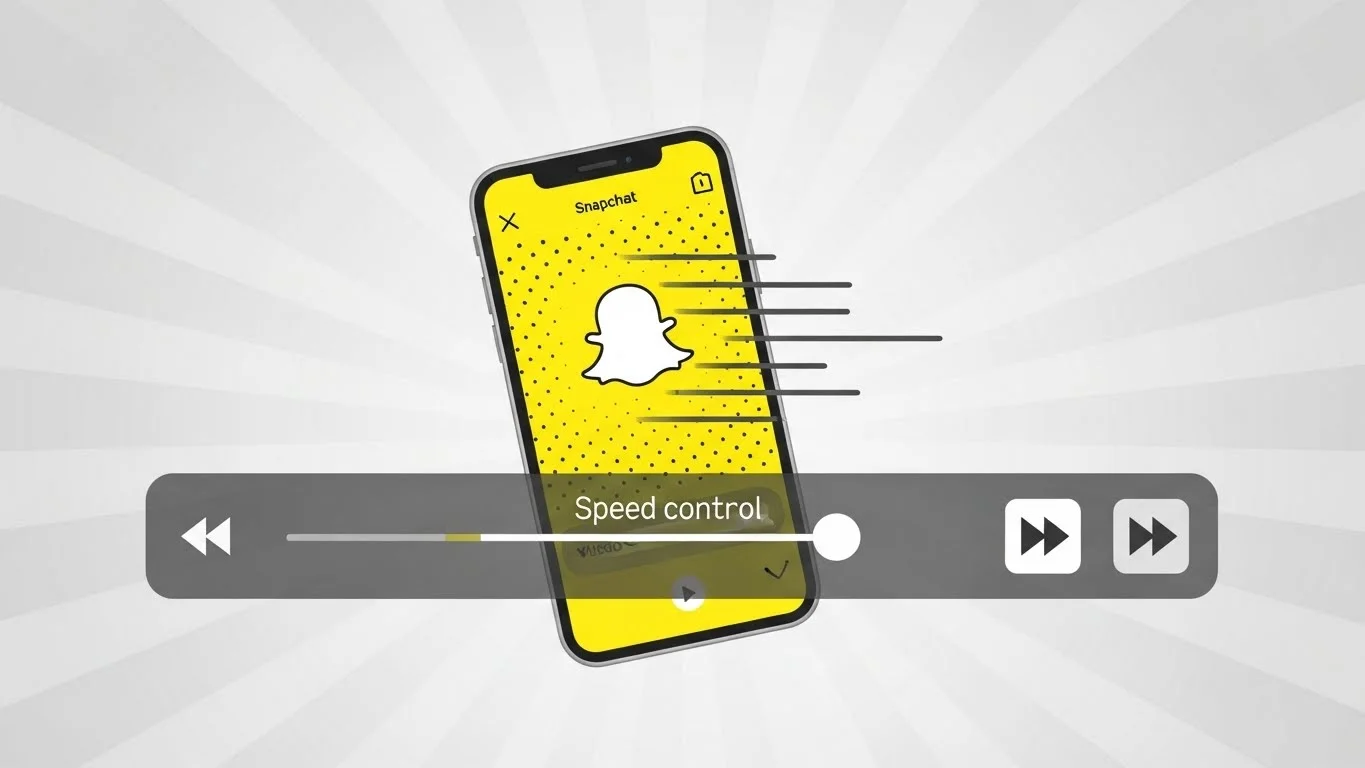
Step 3: Use the Speed Control Feature
Snapchat provides a speedometer icon or filter for speeding up videos. Swipe through the filters until you find the fast-forward effect. Tap it to apply the speed-up effect.
I like experimenting with different speeds—Snapchat usually offers 2x or 3x faster options, which can make videos hilarious or more dynamic depending on the content.
Step 4: Preview the Speed Effect
After applying the speed effect, preview your video. Make sure it looks right and matches the style you want. I often replay it a few times to ensure the timing is perfect and nothing important is lost.
Adjust the speed if necessary before finalizing the snap.
Step 5: Save or Send Your Fast Video
Once you’re satisfied, you can either save the video to your camera roll or send it to friends on Snapchat. I usually share it as a story or send it directly to friends for a fun, fast-motion effect.
From my experience, speeding up videos can make even mundane moments much more entertaining and engaging.
Tips for Making Better Fast Videos on Snapchat
- Keep your recordings short for better clarity after speeding them up.
- Combine the speed-up effect with music or stickers for extra fun.
- Preview videos multiple times to ensure the motion looks natural.
- Experiment with different speed levels to match the mood of your snap.
- Use Snapchat Planets or friend emojis to see who engages most with your fast videos and make content for them.
Common Myths About Speeding Up Videos
Some people think speeding up videos affects video quality drastically. From my experience, Snapchat maintains decent quality even after speeding up.
Another myth is that fast videos can’t be saved or sent as stories. That’s false—you can save, send, or post them just like any other snap.
Final Thoughts on Speeding Up Snapchat Videos
Speeding up videos on Snapchat is a simple yet creative way to enhance your snaps. From my experience, applying the fast-forward effect adds humor, excitement, or energy to your content.
By following these five steps and experimenting with different speeds, you can make your Snapchat videos stand out, entertain friends, and have more fun creating content.