8 Best Snapchat Location Trackers (My Honest Experience)
When I started using Snapchat regularly, the location feature immediately caught my attention. Seeing friends pop up on the map felt cool, but it also made me curious. I wanted to understand how Snapchat location tracking really works and what tools are actually useful without crossing privacy boundaries — an important part of Snapchat privacy and safety.
Over time, I explored Snapchat’s built-in features and some trusted location-sharing tools that work alongside Snapchat. In this article, I’m sharing my personal experience with the 8 best Snapchat location trackers, explaining what they do, how they work, and when they’re actually helpful.
1. Snap Map (Snapchat’s Built-In Tracker)
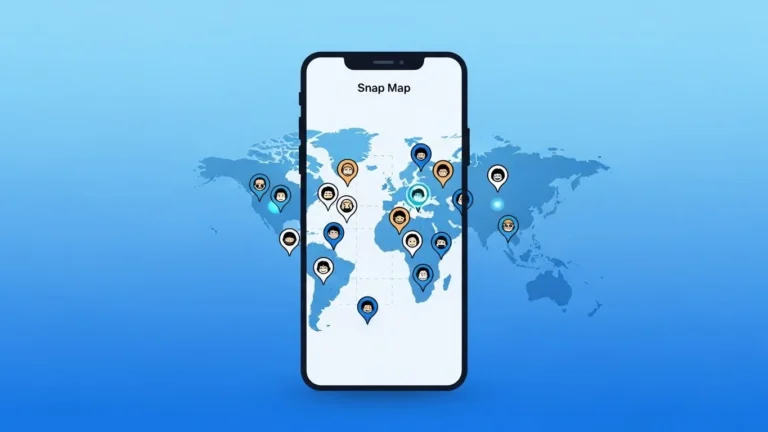
Snap Map is the first location tracker I ever used on Snapchat, and honestly, it’s still the best option for most people. It’s built directly into the app and doesn’t require anything extra.
When I pinch the camera screen, Snap Map opens and shows my Bitmoji along with friends who’ve chosen to share their location. I use it mainly to see if friends are nearby or to coordinate meetups.
What I like most is the control. I can choose who sees my location or turn on Ghost Mode anytime.
2. Ghost Mode (Privacy Control Tool)
While Ghost Mode isn’t a tracker itself, I consider it essential when talking about Snapchat location. I’ve used Ghost Mode many times when I didn’t want my location visible.
It hides my location completely while still allowing me to use Snapchat normally. This feature reassured me that Snapchat gives users real control over their privacy.
Ghost Mode works best if you want to stay invisible without deleting friends or disabling Snap Map entirely.
3. Google Maps Location Sharing
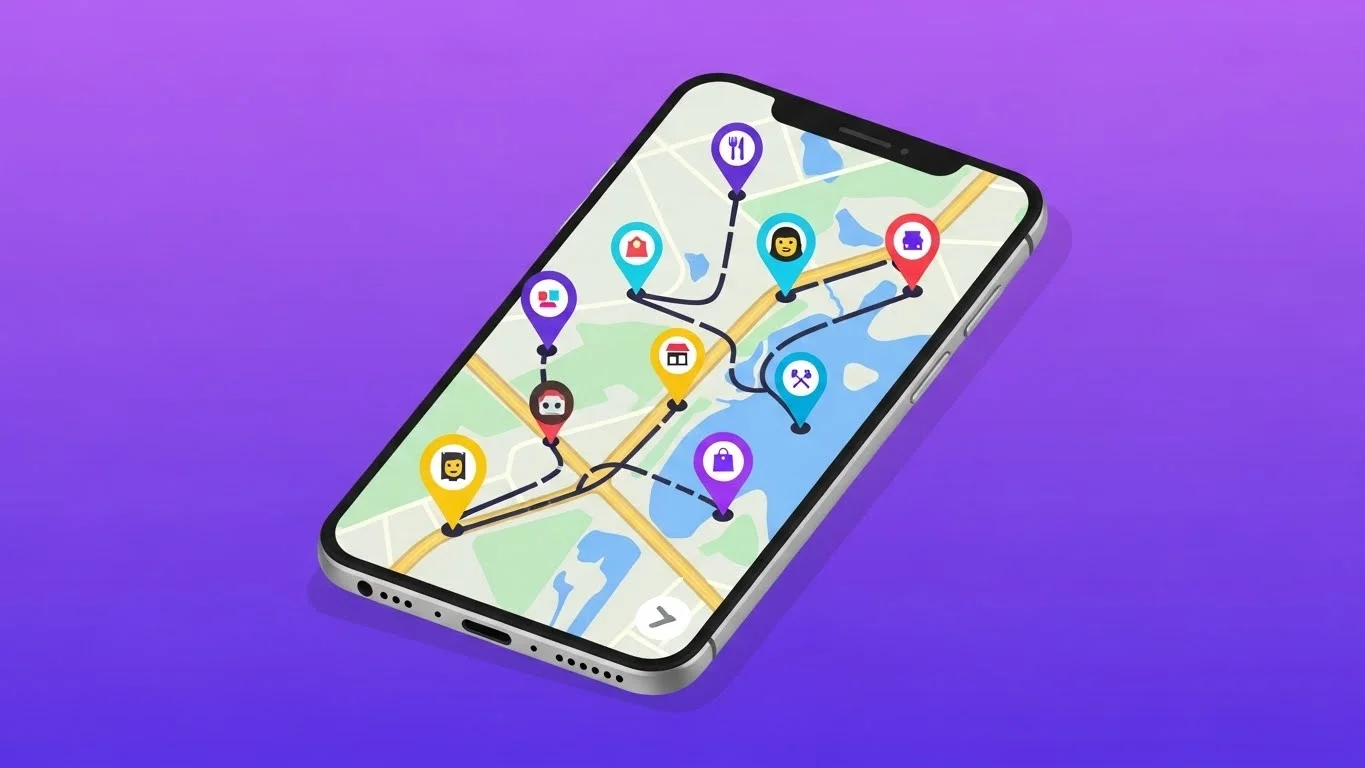
I often use Google Maps location sharing alongside Snapchat. It’s especially useful when Snap Map isn’t precise enough or when I want temporary sharing.
I simply generate a live location link in Google Maps and send it through Snapchat chat. The other person can track my movement in real time without installing Snapchat Plus or changing Snap Map settings.
This option works well for short meetups or travel updates.
4. Apple Find My (For iPhone Users)
On my iPhone, I’ve used the Find My app to share my location with close friends. While it’s not Snapchat-specific, it works smoothly when coordinating plans with Snapchat contacts.
I like that I can choose how long my location is shared. Once the time expires, tracking stops automatically. It feels more controlled and less permanent than Snap Map.
This is my go-to option for longer trips.
5. Glympse
Glympse became one of my favorite tools when I needed temporary location sharing without long-term tracking. I used it when meeting friends in busy areas.
I create a Glympse, set a time limit, and share the link through Snapchat. The location updates live and disappears once the timer ends.
What I appreciate most is that the other person doesn’t need to install the app.
6. Life360
Life360 is more serious compared to Snapchat’s fun style, but I’ve used it with family and close friends. It’s not something I’d use for casual Snapchat friends.
It offers real-time tracking, location history, and arrival alerts. When I tested it, I noticed it’s very detailed, sometimes more than needed.
This tool works best for trusted circles rather than everyday Snapchat use.
7. GeoZilla
GeoZilla is similar to Life360 but slightly simpler. I tried it for group coordination and safety alerts.
It allows location sharing with selected people and sends notifications when someone reaches a place. While it’s not directly linked to Snapchat, I shared updates through Snapchat chat easily.
It’s useful, but only if everyone involved agrees to use it.
8. Temporary Location Links (Quick & Simple)
Sometimes I don’t want a full tracking app at all. In those moments, I simply send a temporary location link from Google Maps or Apple Maps directly through Snapchat.
This method has worked surprisingly well for me. It’s fast, simple, and doesn’t require anyone to adjust settings or download apps.
For quick plans, this is one of the safest and easiest options.
What Snapchat Location Trackers Cannot Do
One thing I learned quickly is that no tool can secretly track someone on Snapchat. Location tracking only works when the person gives permission.
If someone turns off Snap Map or Ghost Mode, there’s no legitimate way to track them. Any app claiming otherwise should be avoided.
My Tips for Using Snapchat Location Safely
From my experience, these tips help a lot:
I only share my location with people I trust.
I use Ghost Mode when I want privacy.
I prefer temporary sharing for short meetups.
I never rely on third-party apps that promise hidden tracking.
Location features should feel helpful, not uncomfortable.
Snapchat Location Tracking vs Social Features
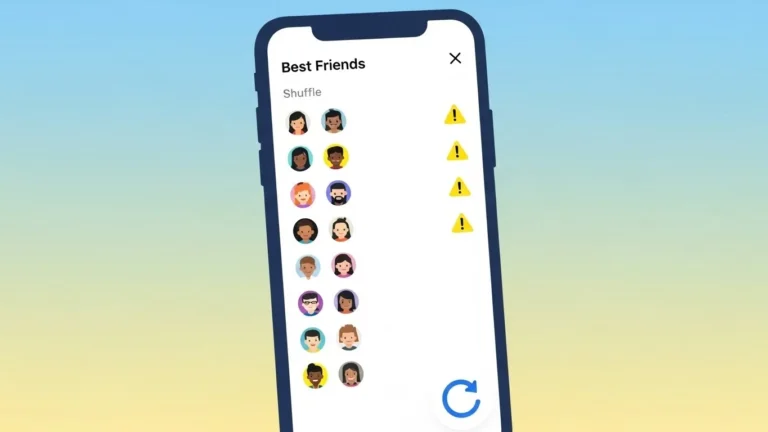
Location tracking works best when combined with Snapchat’s social tools. For example, frequent snapping affects Best Friends rankings and even features like Snapchat Planets, but location sharing is purely optional.
I like that Snapchat keeps these features separate, letting users choose how much they want to share.
Are Snapchat Location Trackers Worth Using?
In my opinion, yes, when used responsibly. Snap Map alone is enough for most users. Other tools are helpful in specific situations like travel, meetups, or safety planning.
The key is consent and control. Once I understood that, I felt more confident using location features.
Final Thoughts
Exploring Snapchat location trackers helped me understand how flexible and privacy-focused Snapchat actually is. Whether I use Snap Map, temporary links, or phone-based tools, I always stay in control of my location.
If you’re curious about tracking locations on Snapchat, start with the built-in features first. They’re safe, reliable, and designed with user choice in mind.