Does Snapchat Notify When You Screenshot A Story?
When I first started using Snapchat, I remember being curious about one thing: does Snapchat notify when you screenshot a story? It seemed like a simple action, but the app has its own rules about alerts, and it took some personal testing to fully understand.
In this article, I’m sharing my experiences, observations, and clarifying what really happens when you take screenshots on Snapchat.
How Snapchat Handles Screenshots
Snapchat is known for its privacy-focused design. Unlike other social apps, it notifies users when someone screenshots their content in certain situations. This applies to stories, chats, and some private content.
From my experience, Snapchat’s alerts are consistent, but there are nuances. For example, screenshots of public stories might trigger notifications, while some third-party content doesn’t always behave the same way.
Screenshot Notifications for Stories
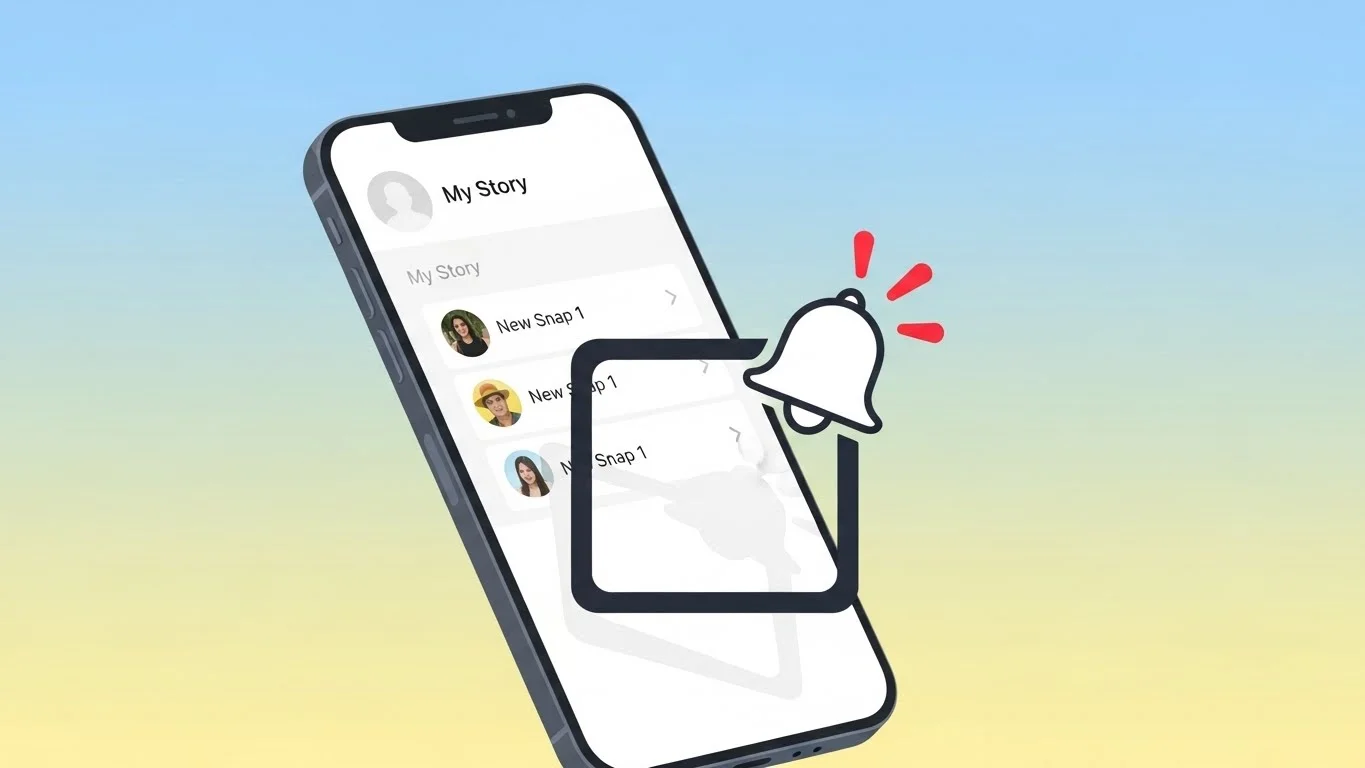
When I first tried taking screenshots of friends’ stories, I immediately got a notification that appeared in the chat screen next to their story. This confirmed that Snapchat actively informs the original poster when someone screenshots their story.
The notification typically says “[Username] took a screenshot of your Snap”. From my perspective, this transparency is one of Snapchat’s core privacy features.
Screenshot Notifications in Chats
I also experimented with private chats. Screenshots of text chats, images, and videos all trigger alerts in real-time. I found that even if the chat content disappeared after viewing, the notification still appeared instantly.
Interestingly, screenshots of saved chats behave differently. If you save a message in a chat, and then screenshot it, Snapchat still notifies the other user. This reinforced my understanding that the app prioritizes alerting users whenever their content is captured.
What Doesn’t Trigger a Notification
During my testing, I noticed that certain actions do not trigger notifications:
- Using screen recording tools for some public stories
- Capturing content shared outside Snapchat (like Snapcodes or shared links)
However, I personally avoid relying on these methods because Snapchat updates frequently. Features that bypass notifications one day may not work the next. It’s best to assume most screenshots are detected.
Common Myths About Screenshot Notifications
One common myth I encountered is that Snapchat only notifies for screenshots of private snaps, not stories. From my experience, this isn’t true—stories also generate alerts when screenshotted.
Another misconception is that Snapchat delays notifications. In reality, notifications appear almost instantly, giving users immediate feedback about who captured their content.
Tips for Using Snapchat Responsibly
After testing and observing, I developed a few personal rules for responsible screenshot usage:
- Ask Permission: If you plan to screenshot a friend’s story or snap, consider asking first. It’s respectful and avoids misunderstandings.
- Limit Sharing: Screenshots of private content should never be shared outside Snapchat without consent.
- Check Saved Chats: Be aware that screenshots of saved chats still trigger notifications. Respecting this builds trust with friends.
- Avoid Third-Party Tools: While some apps claim to bypass notifications, I avoid them. They can compromise your account or violate Snapchat’s terms.
Personal Observations
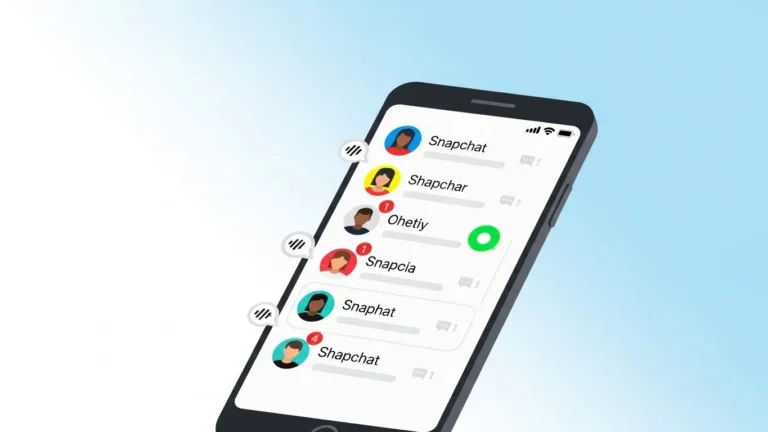
One interesting observation I made is how Snapchat uses visual cues. When someone screenshots a story, a small icon appears next to the story or chat. I found this helpful for knowing immediately who interacted with my content.
Additionally, understanding how Snapchat organizes friend interactions reminded me of concepts like the snapchat planets. Thinking about friend connections and interaction patterns helped me make sense of notifications and content visibility on the platform.
Final Thoughts
From my experience, Snapchat is very transparent about screenshots. Stories, private snaps, and most chats trigger notifications, and understanding this helps users navigate the platform responsibly.
By following a few simple guidelines—asking permission, avoiding third-party tools, and respecting saved chats—you can use Snapchat confidently without compromising privacy.
Screenshots are convenient, but knowing how Snapchat handles them ensures you stay aware of your friends’ content and maintain trust. It’s a small feature, but one that reflects Snapchat’s focus on privacy and user awareness.