How To Hide Snap Score On Snapchat | A Step-by-Step Guide
I’ve always been conscious about my Snap Score on Snapchat. While it’s a fun metric showing how active you are, there are times when I didn’t want friends to see it. Whether it’s for privacy, avoiding judgment, or just keeping things low-key, hiding your Snap Score can be useful. After exploring the app, I found reliable ways to manage it.
Why I Wanted To Hide My Snap Score
For me, the decision to hide my Snap Score came from a few experiences. I noticed some friends comparing scores, and it felt unnecessary pressure. I also wanted to maintain some privacy regarding my Snapchat activity.
I realized that while Snapchat doesn’t officially offer a “hide Snap Score” toggle, there are strategies you can use to control who sees it and manage your visibility effectively.
Understanding Snap Score
Before hiding it, I wanted to understand exactly what Snap Score represents. Your Snap Score is a combination of snaps sent, snaps received, and story posts. Essentially, it’s a measure of your engagement on Snapchat.
Knowing this helped me determine how to hide it without affecting my experience. For example, if you want to appear active but keep your score private, you can adjust your friend interactions.
Step 1: Restrict Who Can See Your Snaps
One of the first things I did was manage my privacy settings. Snapchat allows you to control who can send you snaps and view your stories. By restricting your audience, you can prevent unwanted people from noticing your Snap Score.
I went to my profile settings > Who Can…, and adjusted settings for “View My Story” and “Contact Me.” Limiting your audience indirectly hides your Snap Score because only friends you trust will see your profile details.
Step 2: Remove Unnecessary Friends
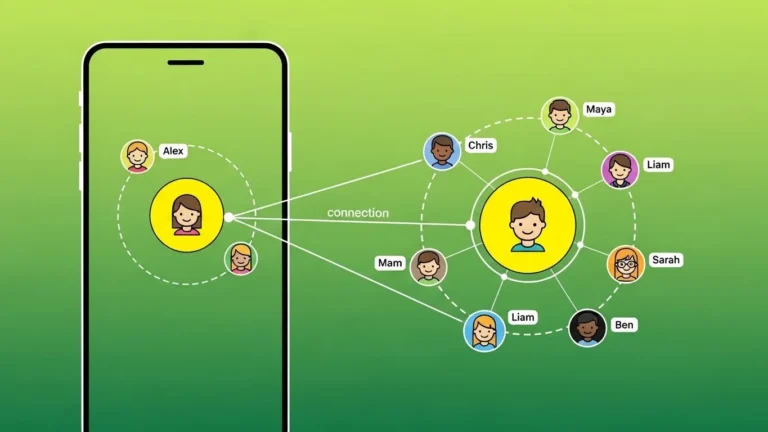
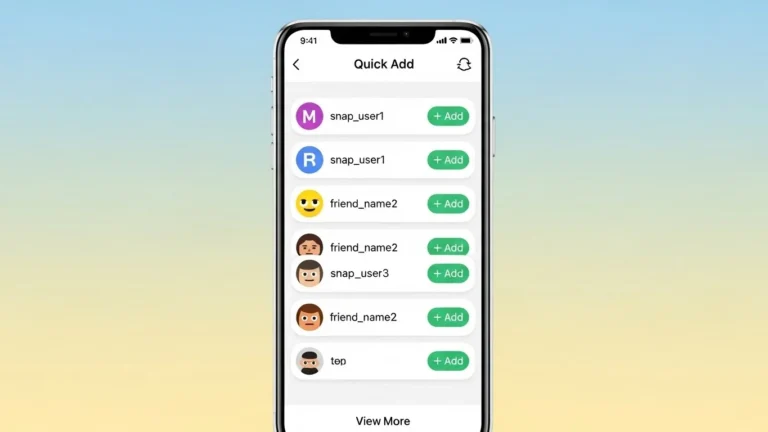
I found that removing or blocking certain friends is an effective way to hide my Snap Score from people I don’t want to share it with.
It might sound drastic, but in my experience, trimming down your friend list keeps your activity private and reduces unnecessary comparisons. Remember, Snap Score is visible only to your friends, so fewer friends mean fewer viewers.
Step 3: Use a Secondary Account
Another method I experimented with is creating a secondary Snapchat account. I use it to engage casually with friends or explore public stories.
This approach lets me maintain my main account’s Snap Score privately while staying active on Snapchat. From my experience, it’s one of the safest ways to manage visibility without completely avoiding the app.
Step 4: Limit Snap Activity
I noticed that Snap Score rises with activity, so limiting snaps and story posts helps me control the number. By sending fewer snaps or posting selectively, my score doesn’t jump dramatically, and it’s less likely to draw attention.
Personally, I focus on meaningful snaps rather than quantity. This method keeps my interactions authentic and my score discreet.
Step 5: Avoid Sending Snaps To Everyone
One tip I learned is to send snaps only to close friends. By narrowing your interactions, fewer people see your activity, which makes your Snap Score less visible.
I often create private groups or select specific friends when sending snaps. This keeps my engagement meaningful and reduces the audience that can view my Snap Score.
Step 6: Keep Stories Private
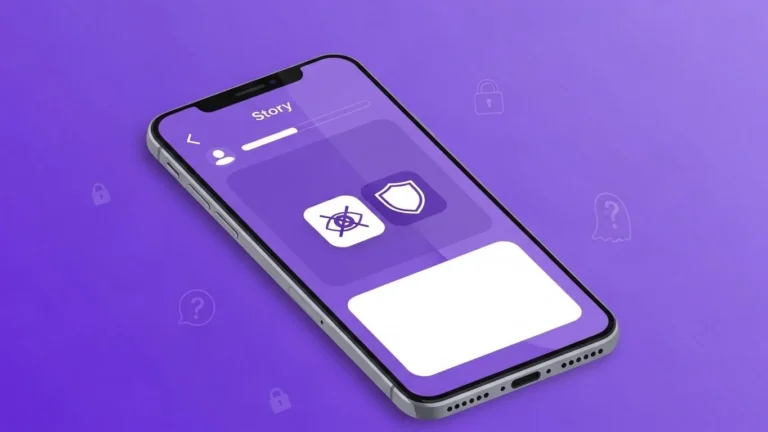
When I post stories, I make sure to adjust story visibility. Snapchat allows you to create custom story audiences, meaning only selected friends can view them.
I go to Story Settings > Custom, and select who can see my stories. This prevents my Snap Score from being visible to all friends and maintains privacy.
Step 7: Monitor Snap Score Updates
Snap Score updates can be delayed, which I noticed while testing. Sometimes, friends see a higher score before it updates in real-time.
From my experience, monitoring your score helps you understand who might notice changes. I check my score occasionally but avoid obsessing over it, which keeps Snapchat enjoyable without stress.
Common Misunderstandings About Hiding Snap Score
When I first tried hiding my Snap Score, a few friends assumed Snapchat had a direct “hide score” button. In reality, it’s more about privacy settings and selective interaction.
Another misconception is that hiding your Snap Score means you can’t engage. From my experience, you can still send snaps and post stories—you just control who sees your score and who notices your activity.
Final Thoughts
Hiding your Snap Score on Snapchat is more about managing visibility than turning off a feature. By adjusting privacy settings, limiting friend interactions, and being selective with snaps and stories, I was able to maintain my privacy while staying active on the platform.
From my perspective, managing your Snap Score isn’t about secrecy—it’s about comfort and controlling your social experience. By following these steps, you can enjoy Snapchat without worrying about comparisons or unwanted attention on your activity.
For me, these strategies made Snapchat feel more relaxed and fun. It’s about keeping engagement authentic, meaningful, and private.