How To Do A Poll On Snapchat | A Step-By-Step Guide
When I first discovered Snapchat polls, I was excited to see how easily I could interact with friends and followers. Polls are a fun, engaging way to get opinions, spark conversations, and make snaps more interactive. In this guide, I’ll walk you through my personal experience and show you exactly how to create a poll on Snapchat using Interactive Snapchat features.
What Are Snapchat Polls?
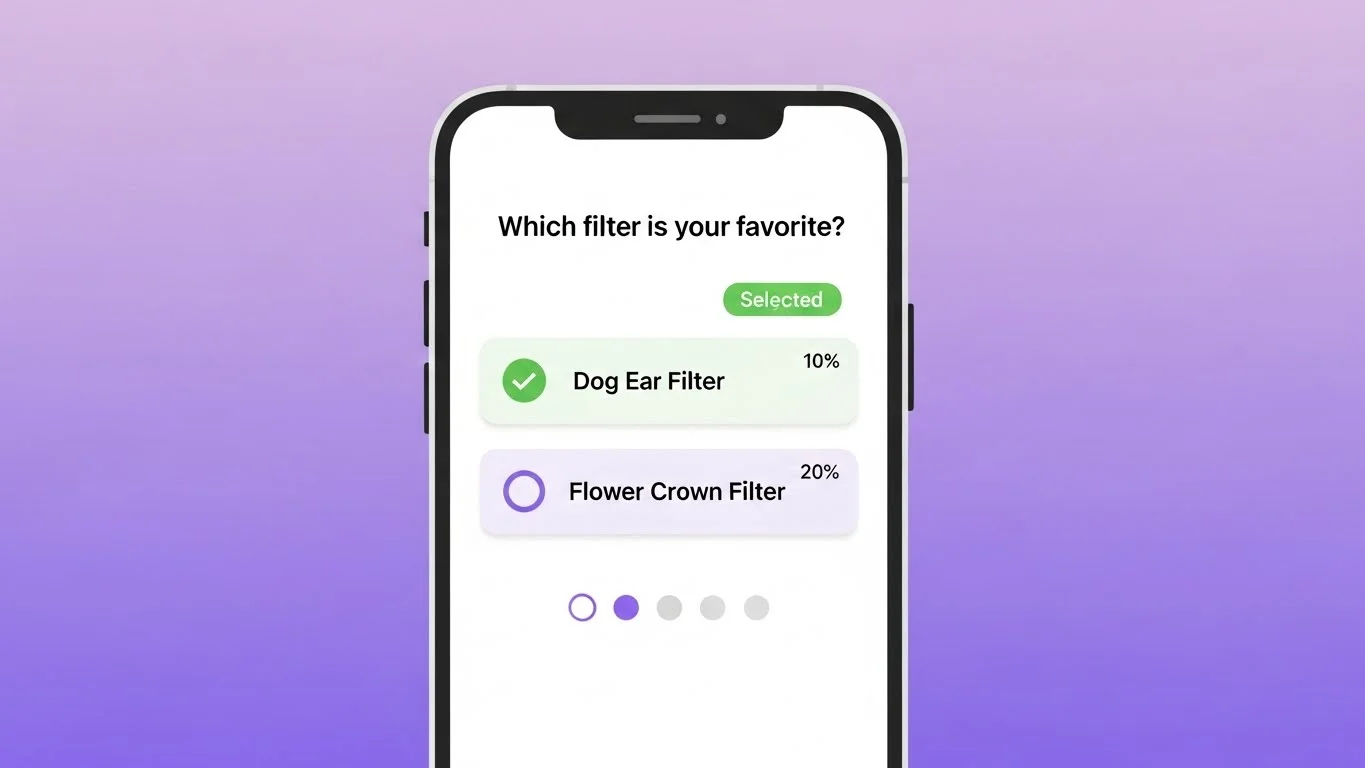
Snapchat polls are interactive stickers that allow you to ask a question and provide two options for your friends to choose from. They appear on your story or snap, and friends can vote in real-time.
I found them incredibly useful for casual questions, like choosing a movie to watch or deciding what filter to use next. They make Snapchat more dynamic than just sending regular snaps.
Why Use Polls on Snapchat?
From my experience, polls boost engagement significantly. When I added a poll to my story, I noticed more friends viewing and interacting with it than with my usual snaps.
Polls are also a fun way to gauge opinions or preferences. I often use them to get quick feedback on personal questions or group decisions, and it feels interactive without needing long conversations.
Step 1: Open Snapchat and Create a Snap
To start, open Snapchat and capture a photo or video as you normally would. You can also upload an image from your camera roll.
I like to make my snaps visually appealing before adding a poll. Bright colors or fun filters tend to attract more responses.
Step 2: Access the Sticker Menu
Once your snap is ready, tap the sticker icon at the top of the screen. This opens the sticker menu, where you’ll find emojis, Bitmojis, and interactive stickers—including the poll sticker.
I remember feeling overwhelmed the first time I saw all the sticker options, but focusing on the poll sticker made the process simple and straightforward.
Step 3: Add the Poll Sticker
Select the poll sticker from the menu. Snapchat will automatically provide a sample question, but you can edit it to ask whatever you like.
For example, I once created a poll asking, “Pizza or burgers?” The sticker lets you type your own question and two response options.
Step 4: Customize Your Poll
After adding the poll sticker, type your question and options. Make sure your text is clear and concise. You can move the sticker around the screen and resize it to fit your snap perfectly.
I learned that placing the poll in the center or somewhere visible gets more votes than hiding it in a corner.
Once you’re satisfied with your poll, tap the send button and choose My Story to share it with all your friends. You can also send it directly to specific friends if you prefer.
From my experience, sharing to your story gives you the widest engagement because multiple friends can participate simultaneously.
Step 6: Monitor Poll Results
After posting, you can check who voted and which option is winning. Swipe up on your story to view the results in real-time.
I enjoy seeing the responses pop in and sometimes even get notifications when friends vote. It’s exciting to watch the interaction unfold.
Tips for Using Snapchat Polls Effectively
- Keep it Simple: I found that simple, clear questions get more responses than complicated ones.
- Use Engaging Visuals: Adding filters, emojis, or Bitmojis around the poll attracts attention.
- Be Creative: Polls can be humorous, thought-provoking, or interactive—don’t be afraid to experiment.
- Respect Privacy: Avoid polls that could make friends uncomfortable or pressure them into sharing sensitive opinions.
- Track Engagement: If you post polls frequently, I noticed that certain friends consistently interact, which helps you understand who’s most engaged.
Common Myths About Snapchat Polls
Some people think Snapchat polls are only visible to a few friends or that votes are anonymous. From my experience, votes are public for your own reference, but friends won’t know how others voted individually.
Another myth is that polls are only for stories. While most people use them in stories, I’ve successfully sent polls in private snaps to friends for smaller, more targeted interactions.
Adding a poll is also a subtle way to see patterns in your friend interactions, almost like analyzing the social dynamics behind the snapchat planets concept. Observing who votes and how often can give insights into friend engagement over time.
Final Thoughts
Creating polls on Snapchat is easy, fun, and an excellent way to boost engagement. From my experience, following the step-by-step process ensures that your polls are visible, interactive, and entertaining for friends.
Whether you’re asking lighthearted questions, making decisions with friends, or just trying to increase interaction on your stories, Snapchat polls add a new dimension to your snaps.
By understanding how to create, customize, and monitor polls—and using tips for effective engagement—you can make Snapchat a more interactive and enjoyable platform for yourself and your friends.
Using polls responsibly and creatively has made my Snapchat experience much more dynamic and has helped me stay connected with friends in a fun, interactive way.