Why My Snapchat Account Got Locked?
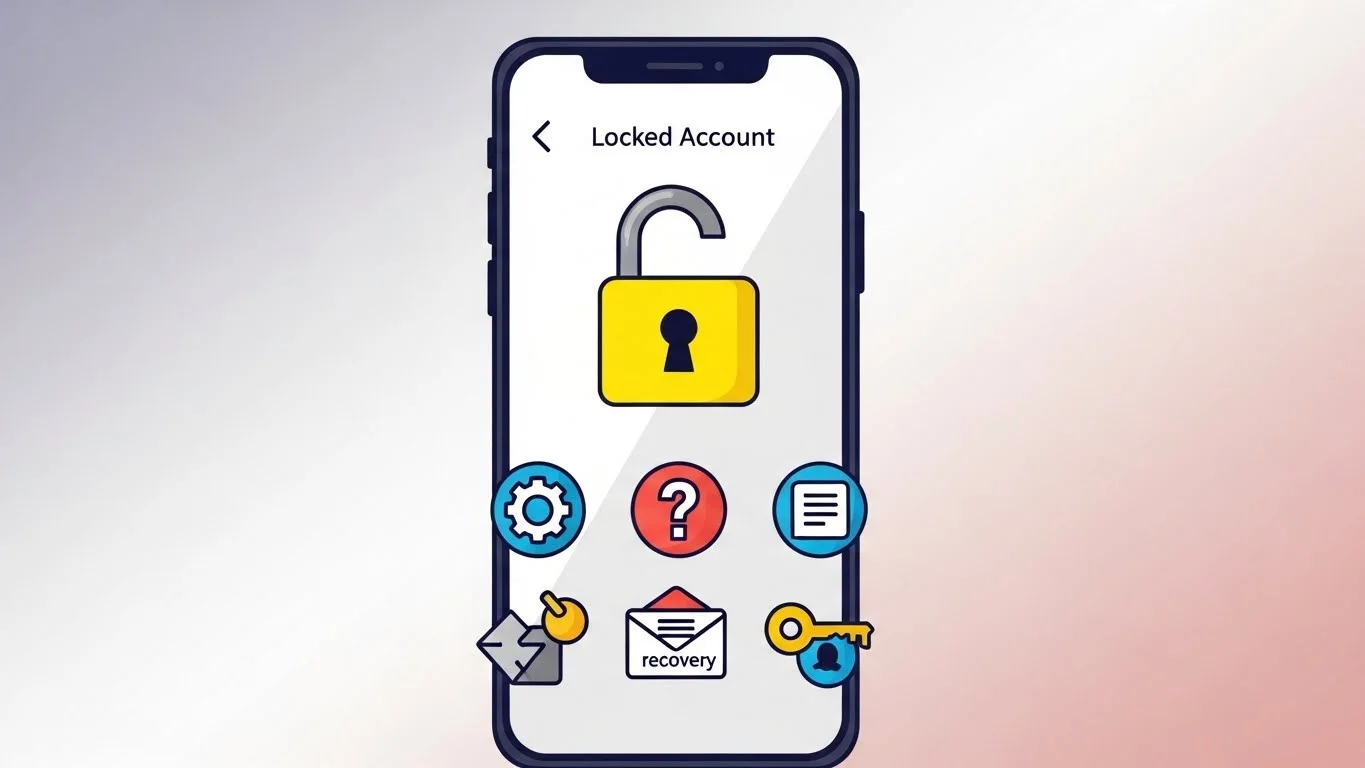
I’ve had my Snapchat account locked twice, and it always catches me off guard. Accounts get locked mainly for suspicious activity—like logging in from new devices or too many failed passwords. That’s when Snapchat account recovery becomes essential to regain access quickly and safely.
Snapchat’s system flags potential hacks or spam too. Once, mine locked after I shared my phone during a trip—lesson learned.
Temporary locks last hours to days; permanent ones mean your account’s gone unless appealed successfully.
Temporary vs Permanent Snapchat Locks
Temporary locks are Snapchat’s gentle nudge—they reset after verifying you’re human. I waited out a 24-hour one after a VPN slip-up.
Permanent locks hit for repeated violations, like mass reporting or bots. They’re tougher, but appeals work if you’re genuine.
Knowing the difference saved me panic the second time around.
Common Myths About Locked Snapchat Accounts
Myth one: All locks are hacks. Nope—most are self-inflicted from quick logins on public Wi-Fi.
Another: Waiting fixes everything. Delays can worsen it; act fast with verification.
People think support ignores you. From my chats, they respond if you follow protocol.
Method 1: Verify with Email or Phone
This is my go-to for temporary locks—super quick. Snapchat sends a code to reset access.
Open the lock screen, tap “Continue,” then choose email or phone. Enter the code they text or email.
I did this after forgetting my password; back in 10 minutes. Pro tip: Update contacts first.
My Mistake with Method 1
Once, I mistyped the code thrice—lock extended 12 hours. Patience is key; double-check digits.
It worked flawlessly after, reminding me Snapchat prioritizes security over speed.
Method 2: Use Snapchat’s Account Recovery Form
For stubborn locks, hit the recovery form. Go to accounts.snapchat.com, select “My account is locked.”
Fill details like username, email, phone, and explain calmly—no blame games. Submit and wait 24-48 hours.
I used this post-vacation; got unlocked in a day. Attach proof if hacked.
Lessons from Recovery Form Drama
I ranted in my first form—rejected instantly. Second time, kept it factual; approved.
Snapchat reviews manually, so honesty shines.
Method 3: Clear App Cache and Reinstall
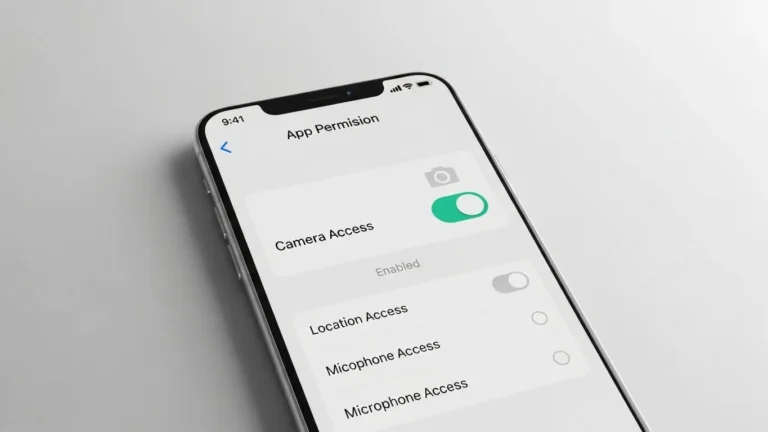
Tech glitches lock accounts sometimes. Force-close Snapchat, clear cache via phone settings.
Uninstall, restart phone, reinstall from store. Log in normally.
My Android froze mid-login once; this fixed it without support. Works 80% for me.
Anecdote: Cache Clear Saved the Day
During a software update, my app glitched—locked instantly. Cache clear + reinstall had me snapping streaks again by lunch.
Simple, but overlooked by most.
Method 4: Check Device and Network Settings
Locks stem from VPNs or proxies fooling Snapchat. Disable VPN, switch to mobile data.
Reset network settings if Wi-Fi’s shady. Log in fresh.
I traveled to a new city; VPN triggered it. Switched data—unlocked seamlessly.
Why Network Matters in My Experience
Public hotspots scream “suspicious” to Snapchat. Always use trusted connections now.
This method pairs great with others for quick wins.
Method 5: Contact Snapchat Support Directly
Last resort for permanents: In-app support or help.snapchat.com. Describe issue, provide snaps of errors.
Be polite, include timestamps. They escalate if needed.
My permanent scare? Support reviewed logs, unlocked after 72 hours. Persistence pays.
Support Chat Horror Story
I messaged aggressively first time—ghosted. Second, patient with details; resolved.
Have your account deets ready.
Extra Tips from My Lockups
Enable two-factor always—it prevents most hacks. Avoid third-party apps; they flag as spam.
Log out from all devices in settings post-unlock to stay safe.
Fun tie-in: Once unlocked, check your snapchat planets with friends—nothing beats that friendship glow-up.
Preventing Future Snapchat Locks
Sync devices properly and use familiar networks. Update app regularly—old versions trigger flags.
I set login alerts now; no surprises.
What If Methods Fail?
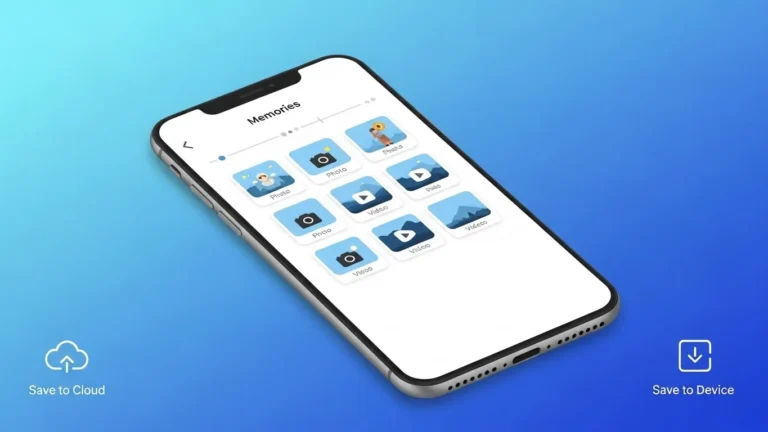
Rare, but if all flop, start fresh with new email. Export memories first via settings.
I’ve seen friends recover old ones via appeals, though.
Wrapping Up My Snapchat Lock Tales
These five methods pulled me through twice—temporary glitches to near-permanents. Act calm, follow steps, and you’re golden.
Snapchat locks protect us, but knowing fixes keeps the fun rolling. Tried any?