What Are Snapchat Memories? | All You Need to Know
Snapchat is a fun and creative platform, but one feature that really changed how I use the app is Snapchat Memories. I first noticed it when I accidentally swiped up while taking a snap and found a collection of saved photos and videos. At that moment, I realized Snapchat isn’t just about temporary snaps—it also lets you save your favorite moments for later through Snapchat memories and features.
In this guide, I’ll explain what Snapchat Memories are, how they work, and how you can use them to keep track of your best snaps and stories. I’ll also touch on how Snapchat Memories tie into features like Snapchat Planets to enhance your social experience.
What Are Snapchat Memories?
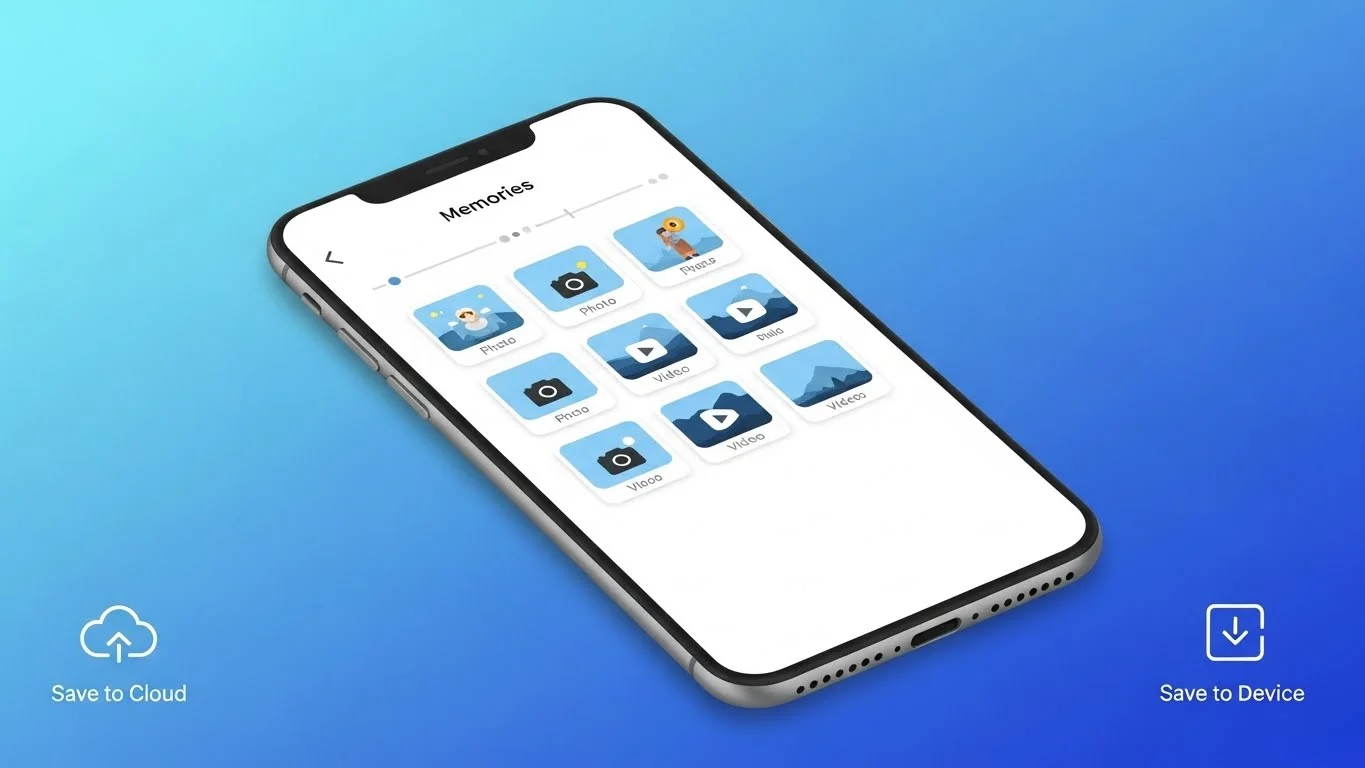
Snapchat Memories is a feature that lets you save your snaps, stories, and other content within the app. Unlike regular snaps that disappear after being viewed, Memories allows you to store content privately or even share it again later.
From my experience, this feature is perfect for preserving funny moments, personal milestones, or creative snaps you don’t want to lose.
How To Access Snapchat Memories
Accessing Memories is simple. Here’s how I do it:
- Open Snapchat and go to the Camera screen.
- Swipe up from anywhere on the screen.
- You’ll see all your saved snaps, stories, and camera roll content in one place.
I like keeping everything organized here, so I can revisit old snaps or create new stories from saved content.
Saving Snaps to Memories
Whenever I take a snap I want to keep, I can save it directly to Memories. You can choose to save snaps automatically or manually. Here’s how:
- Tap the Save icon after taking a snap.
- Select Memories or My Eyes Only for private snaps.
This way, important or fun snaps are preserved, and I can share them later without worrying about losing them.
Using Memories to Create Stories
One of the coolest features is using Memories to make stories. I often combine several saved snaps into a single story. Here’s what I do:
- Open Memories and select the snaps I want to use.
- Tap Create Story and arrange the snaps in order.
- Add filters, stickers, or text before posting.
This feature is great because it allows me to showcase my best moments in a cohesive way, even if the original snap was taken days or weeks earlier.
My Eyes Only: Private Memories
Snapchat also offers a secure section called My Eyes Only. From my experience, this is perfect for private snaps you don’t want anyone else to see.
You can move snaps from Memories to My Eyes Only and protect them with a password. I like using this for personal photos or sensitive content, keeping it safe even if someone accesses my phone.
Benefits of Using Snapchat Memories
Using Memories has several benefits:
- Preserve important moments: No need to worry about snaps disappearing.
- Create stories later: Combine saved snaps into new stories.
- Organize content: Sort snaps by date or favorite status.
- Private storage: Keep personal snaps safe in My Eyes Only.
From my experience, Memories enhances the Snapchat experience by turning a temporary platform into a place for keeping lasting memories.
Common Questions About Snapchat Memories
- Do saved snaps count toward your friends’ view limits?
No, snaps saved to Memories don’t affect your friends’ ability to view content. - Can you share Memories with friends?
Yes, you can post saved snaps or stories from Memories at any time. - Does Snapchat Memories use extra storage?
Yes, storing many snaps can use space on your device, but Snapchat offers cloud backup to preserve your content. - How does it relate to Snapchat Planets?
Using Snapchat Planets alongside Memories helps you see which friends interact with your saved content, giving you insights into engagement patterns.
Organizing and Searching Memories
Snapchat Memories also has features for organization. I like using search to find specific snaps, add captions, or tag friends. Organizing content makes it easy to find what I want and reuse snaps for stories, reactions, or sharing highlights.
This organizational system, combined with insights from Snapchat Planets, helps me understand which friends value certain moments and keeps my Snapchat experience connected and fun.
Final Thoughts on Snapchat Memories
Snapchat Memories is an essential feature for anyone who wants to preserve their snaps, create stories, or keep personal moments private. From my experience, it transforms Snapchat from a temporary messaging app into a platform where memories truly last.By using Memories alongside features like Snapchat Planets, you can track engagement, enhance interactions, and make your Snapchat experience more meaningful. Whether you want to revisit funny snaps, preserve milestones, or maintain privacy, Snapchat Memories is a must-use feature.