Snapchat Private Story Names | How to Create?
When I first discovered Snapchat private stories, I didn’t realize how much control they actually give you. At first, I used the default name without thinking twice. Later, I noticed how fun and personal it felt to give my private stories unique names that matched my mood or the people viewing them — a great example of Snapchat customization ideas.
In this article, I’ll explain what Snapchat private stories are, how to create them, and how to choose the best private story names based on my own experience.
What Is a Snapchat Private Story?
A Snapchat private story lets you share snaps with only selected friends instead of everyone. Unlike public or friends-only stories, private stories are visible only to people you personally choose.
I use private stories when I want to share something personal, funny, or specific to a small group. It keeps things more comfortable and controlled.
Why Private Story Names Matter
At first, I thought private story names didn’t matter much. Over time, I realized they actually help me stay organized and make Snapchat more enjoyable.
A good private story name helps you instantly recognize who the story is for. It also adds personality and fun to your snaps.
How to Create a Private Story on Snapchat
Creating a private story is simple once you know the steps. This is how I usually do it.
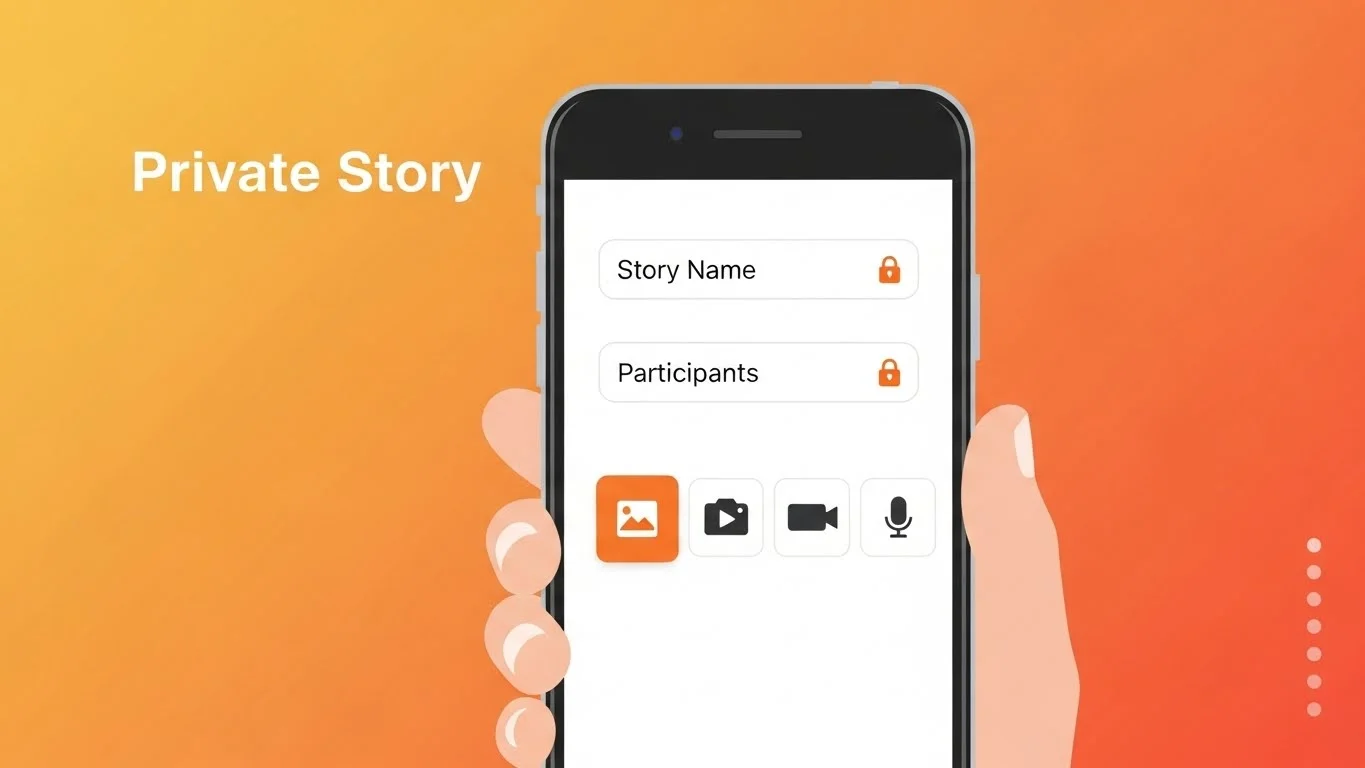
First, I open Snapchat and tap my profile icon. Then I tap “+ New Story” and select “New Private Story.” After that, I choose the friends who can view the story.
Before saving, Snapchat lets me name the private story, which is where creativity comes in.
How to Name a Snapchat Private Story
When Snapchat asks for a story name, I always try to pick something meaningful or fun. The name can be changed later, so there’s no pressure to make it perfect.
I usually choose names based on inside jokes, friend groups, or the type of content I plan to post.
Best Snapchat Private Story Name Ideas
Here are some private story name ideas based on categories I personally use.
Funny Private Story Names
I use these when the story is all jokes and random snaps.
- No Screenshots Allowed
- Chaos Club
- Daily Nonsense
- Certified Weirdos
- Laugh Only Zone
Close Friends Private Story Names
These work well when the story is meant only for trusted people.
- Inner Circle
- Real Ones Only
- Safe Space
- Closest Crew
- No Judgement Zone
Mood-Based Private Story Names
I like using mood-based names when the content changes frequently.
- Late Night Thoughts
- Low Battery Energy
- Main Character Mode
- Emotional Hours
- Just Vibing
Travel or Event-Based Names
For trips, parties, or events, I usually name stories around the moment.
- Trip Diaries
- Vacation Mode
- Weekend Memories
- After Party Files
- Road Trip Crew
Can People See Your Private Story Name?
Yes, and this surprised me at first. Anyone added to the private story can see the story name.
That’s why I always avoid names that could confuse or offend someone. It’s best to keep names friendly and relevant to the group.
How to Edit or Change a Private Story Name
Changing a private story name is easy. I’ve done this many times.
I go to my profile, tap the three dots next to the private story, select Edit Story, and then change the name. The update happens instantly.
How Many Private Stories Can You Create?
Snapchat allows you to create multiple private stories. I personally have different stories for close friends, family, and specific friend groups.
Each story can have a different name and a different audience, which makes Snapchat much more flexible.
Private Stories vs Custom Stories
Private stories are only visible to people you select. Custom stories can include friends or even groups near a location.
I prefer private stories because they feel more personal and controlled. Custom stories are better for public events or shared experiences.
Common Mistakes to Avoid
I’ve learned a few things the hard way.
Using confusing or unclear names
Adding the wrong people to a private story
Forgetting who can see which story
Clear naming helps avoid all of this.
Do Private Stories Affect Best Friends or Snapchat Planets?
From my experience, posting private stories does not directly affect your Best Friends list or Snapchat Planets. Those features depend more on snaps and chats rather than story views.
So you can post freely without worrying about rankings changing.
Tips for Choosing the Perfect Private Story Name
Here’s what works for me.
Keep it simple and recognizable
Match the name to the audience
Avoid anything embarrassing
Change the name when the content changes
These small habits make private stories much more enjoyable.
Are Snapchat Private Stories Worth Using?
Absolutely. Private stories are one of my favorite Snapchat features. They give me freedom to share without overthinking who’s watching.
With the right private story names, Snapchat feels more personal and fun.
Final Thoughts
Snapchat private story names may seem like a small detail, but they make a big difference. From organizing content to adding personality, the right name enhances the whole experience.
Once I started creating and naming private stories intentionally, Snapchat became more enjoyable and less stressful. If you haven’t tried it yet, this is the perfect time to start.
Related Articles: