What Does the Green Dot on Snapchat Mean?
If you’ve been using Snapchat recently, you may have noticed a small green dot appearing next to someone’s Bitmoji or profile—and if you’re anything like me, your first reaction was probably confusion. I remember seeing it for the first time and thinking, “Are they online right now? Or did I accidentally turn on some new feature?”
In this article, I’ll explain what the green dot on Snapchat means, why it appears, how accurate it is, and what it means for your privacy. I’ll also walk you through how to turn it on or off and answer common questions people have about it.
What Does the Green Dot on Snapchat Mean?
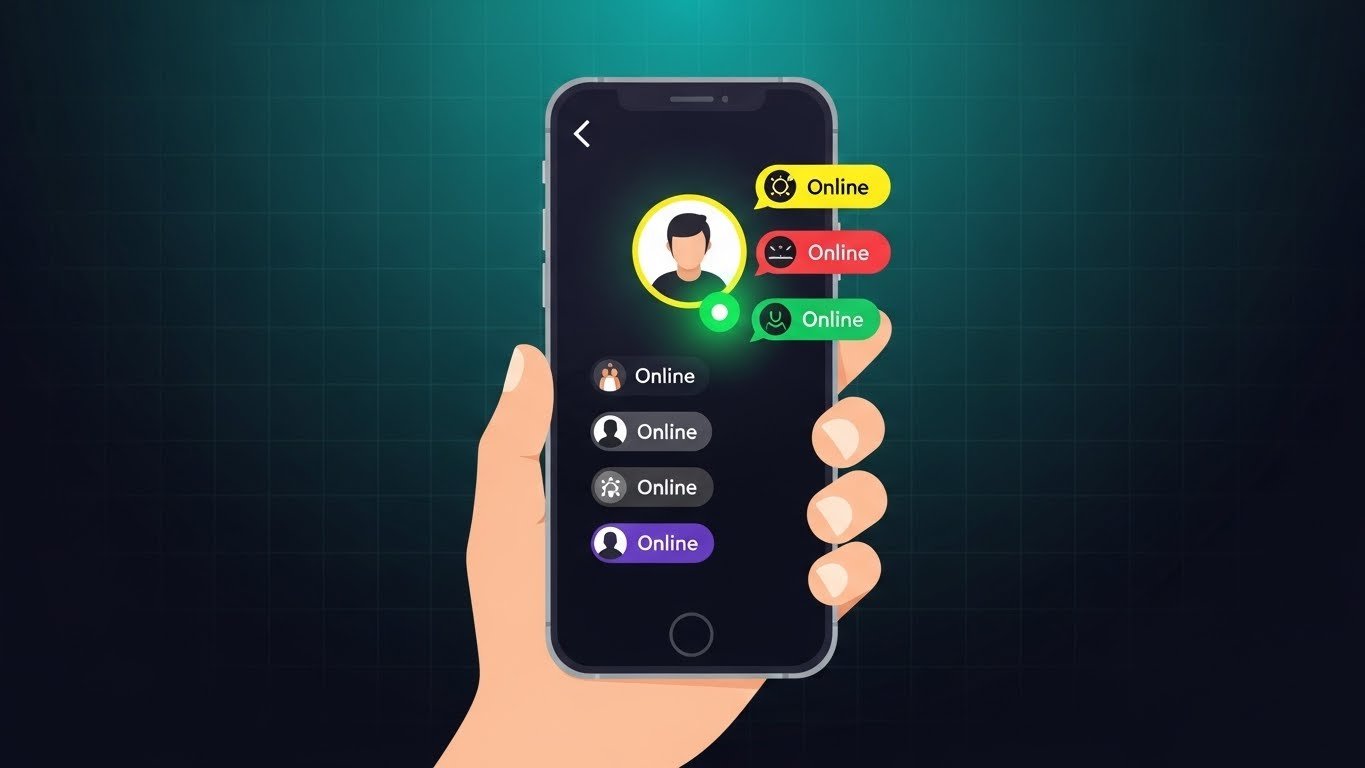
The green dot on Snapchat indicates that a user has been recently active on the app. It’s Snapchat’s way of showing activity status, similar to “online” indicators on other social platforms.
However, this is important:
The green dot does not always mean the person is active at that exact moment. Instead, it usually means they were active recently, often within the last 24 hours.
So if you’re wondering what the green dot on Snapchat means, the simplest explanation is that it signals recent activity, not live presence.
Where Do You See the Green Dot on Snapchat?
From my experience, the green dot usually appears in a few specific places:
- Next to a friend’s Bitmoji in the Quick Add section
- On a user’s profile screen
- Sometimes in friend suggestions
You won’t always see it in the chat list, which is why many users don’t notice it right away.
Is the Green Dot the Same as “Online”?
Not exactly—and this is where many people get confused.
Green Dot vs Online Status
- Green dot: User was recently active
- Online: Snapchat does not show real-time online status
Snapchat intentionally avoids showing exact “online now” information to protect user privacy. So even if you see a green dot, the person might not be actively using the app at that moment.
How Long Does the Green Dot Stay on Snapchat?
Snapchat hasn’t officially shared the exact timing, but based on observation and user experience, the green dot can remain visible for several hours up to a full day after someone was last active.
I’ve personally seen the dot stay even when I knew the person hadn’t opened Snapchat again, so it’s best to treat it as a general indicator, not a precise one.
Why Did Snapchat Add the Green Dot?
Snapchat introduced the green dot to make the app more social and interactive. The idea is to help users:
- Know who is recently active
- Start conversations more naturally
- Connect with friends who are likely to respond
It’s similar to activity indicators on Instagram and Facebook, but with more privacy built in.
Does Everyone See the Green Dot on Snapchat?
No, not everyone will see it—and not everyone has it enabled.
The green dot only appears if:
- The user has Activity Status turned on
- You are allowed to see their profile or activity
If someone has disabled this setting, you won’t see a green dot next to their name.
How to Turn the Green Dot (Activity Status) On or Off
If you’re concerned about privacy, I completely understand. I checked this setting myself when I first learned what it meant.
Here’s how you can control it:
Steps to Turn Activity Status On or Off
- Open Snapchat
- Tap your Bitmoji (top-left corner)
- Go to Settings
- Scroll to Privacy Controls
- Tap Activity Indicator
- Toggle it on or off
Once turned off, others won’t see the green dot on your profile.
Does the Green Dot Mean Someone Is Ignoring You?
This is a very common concern, and honestly, I’ve thought the same thing before.
The answer is no.
Seeing a green dot does not mean:
- They saw your message
- They’re ignoring you
- They’re online right now
Snapchat already has separate indicators for opened messages. The green dot is only about recent app activity.
Green Dot vs Other Snapchat Indicators
To avoid confusion, here’s a quick comparison.
Green Dot
- Shows recent activity
- Appears on profile or suggestions
- Not real-time
Opened Snap/Chat
- Shows when someone opened your message
- Appears in chat list
- Very specific
Snap Map Activity
- Shows location (if enabled)
- Completely separate feature
Each indicator serves a different purpose.
Privacy Concerns Around the Green Dot
Some users feel uncomfortable knowing others can see when they were active. That concern is valid.
Here’s why Snapchat’s green dot is relatively privacy-friendly:
- No exact time shown
- No “online now” status
- Optional and can be disabled
Compared to other platforms, Snapchat keeps activity sharing minimal.
Should You Keep the Green Dot On?
In my opinion, it depends on how you use Snapchat.
Keep It On If:
- You want friends to know you’re active
- You enjoy casual conversations
- You don’t mind visibility
Turn It Off If:
- You value privacy
- You don’t want people tracking activity
- You feel pressured to reply
There’s no right or wrong choice—just what feels comfortable for you.
Common Misunderstandings About the Green Dot
Let’s clear up a few myths I see often.
- Myth: Green dot means online now
Truth: It only means recently active - Myth: It shows exact last seen time
Truth: Snapchat does not display timestamps - Myth: You can’t hide it
Truth: You can turn it off anytime
Understanding these helps avoid unnecessary assumptions.
Final Thoughts on the Green Dot on Snapchat
Once you understand what the green dot on Snapchat means, it becomes much less confusing. It’s simply a light activity indicator—not a tracking tool or a sign someone is ignoring you.
Snapchat designed it to encourage interaction while still respecting privacy, and the good news is that you’re always in control. Whether you keep it on or turn it off, the choice is yours.
FAQs
What does the green dot on Snapchat mean?
It means the user has been recently active on Snapchat.
Does the green dot mean someone is online?
No, it does not show real-time online status.
Can I turn off the green dot on Snapchat?
Yes, you can disable it from the Activity Indicator settings.
How long does the green dot stay visible?
It can stay for several hours or up to a day after activity.
Can everyone see my green dot?
Only users who can view your profile and if activity status is enabled.
No, it’s a separate feature from Snap Map.
Related Articles: