How To Block Someone On TikTok | Easy Step-by-Step Guide
TikTok is a fun platform, but sometimes you encounter users who post inappropriate content or send unwanted messages. I remember the first time I felt uncomfortable with someone on TikTok, and I realized I needed to block them to feel safe. Blocking someone is simple, and it’s an important feature to protect your privacy and control your interactions.
Why You Might Want To Block Someone on TikTok
There are several reasons to block a user. Personally, I block users who send spam, make inappropriate comments, or repeatedly bother me. Blocking isn’t about being rude—it’s about creating a safe environment for yourself. TikTok allows you to manage who can interact with your account, which is especially useful for younger users or anyone looking to maintain privacy.
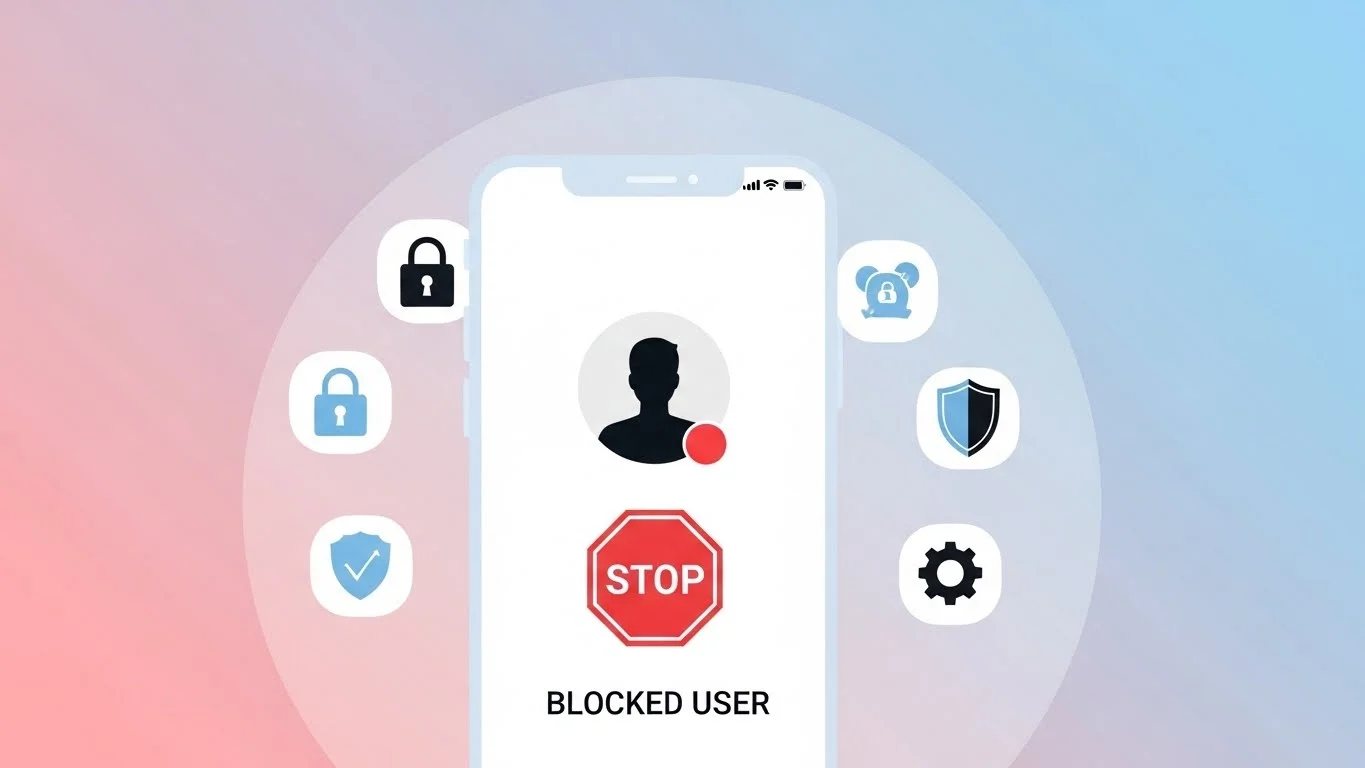
How To Block Someone on TikTok – Step by Step
Here’s the process I follow whenever I need to block a TikTok user:
- Open the TikTok app and go to the profile of the user you want to block.
- Tap the three dots in the top-right corner of their profile.
- From the menu, select Block.
- Confirm your action when prompted.
Once blocked, the user cannot view your content, comment on your videos, or send you messages. From my experience, this gives immediate relief and restores control over your account.
How To Unblock Someone on TikTok
Sometimes you might block someone by mistake or change your mind later. To unblock a user:
- Go to Profile > Settings and Privacy > Privacy > Blocked Accounts.
- Find the person you want to unblock.
- Tap Unblock next to their name.
After unblocking, the user can see your public content again, but you may need to follow them or they may need to follow you to interact fully.
What Happens After Blocking Someone
Blocking on TikTok has several effects. The blocked user cannot:
- Follow your account
- View your videos or stories
- Send you direct messages
- Comment on your content
From my experience, blocking doesn’t delete past comments or interactions. It only prevents future engagement.
Differences Between Blocking and Removing Followers
Blocking is different from removing a follower. Removing a follower simply prevents them from seeing your private content but does not stop them from interacting entirely if your account is public. Blocking, on the other hand, completely restricts access. I usually remove followers for minor issues and block for users who are problematic or persistent.
Tips For Blocking Effectively
Here are some tips I’ve learned for managing blocks on TikTok:
- Review your followers periodically to remove or block unwanted accounts.
- Use privacy settings alongside blocking, such as restricting who can comment or send messages.
- Don’t hesitate to block if someone is making you uncomfortable. Your safety and peace of mind come first.
Blocking is quick and protects you immediately from unwanted interactions.
Common Myths About Blocking on TikTok
Many people think blocking someone notifies them. From my experience, TikTok does not notify users when they are blocked.
Another myth is that blocking deletes all past interactions. That’s false; past likes, comments, or messages remain, but future interaction is prevented. Some users believe blocked accounts vanish from searches entirely, but they may still appear in public content if they are not logged in.
Other Privacy Features on TikTok
Blocking is just one of several privacy features. TikTok also allows you to:
- Restrict who can comment on your videos
- Make your account private
- Control who can send direct messages
I also like checking guides about friend interaction patterns, similar to how Snapchat Planets shows connections in Snapchat. Understanding your network helps manage who you want to block or restrict.
Final Thoughts on Blocking Someone on TikTok
Blocking someone on TikTok is simple, effective, and essential for maintaining privacy. From my experience, it provides immediate control over who can interact with your content and ensures a safer experience on the app.
Whether you block occasionally or use it regularly to manage your account, knowing how to block and unblock users keeps your TikTok experience safe, enjoyable, and stress-free.