Why Can’t I See Who Screenshot My Public Story On Snapchat?
Snapchat is built around privacy and instant sharing, so it’s no surprise that knowing who screenshots your content can be important. I first noticed this issue when I posted a public story and couldn’t figure out who was taking screenshots. Unlike private stories, public stories behave differently, and Snapchat doesn’t always show the screenshot notifications.
In this guide, I’ll explain why you can’t see who screenshot your public story, how Snapchat handles public content, and what you can do to monitor interactions safely.
How Snapchat Screenshot Notifications Work
For private stories or individual snaps, Snapchat sends a notification whenever someone takes a screenshot. This is part of the app’s privacy-focused design.
From my experience, screenshot notifications are very reliable for one-on-one snaps or private story views. I always get alerts if someone screenshots my private content.
However, public stories operate under a different system, which is why notifications don’t always appear.
Why Public Stories Are Different
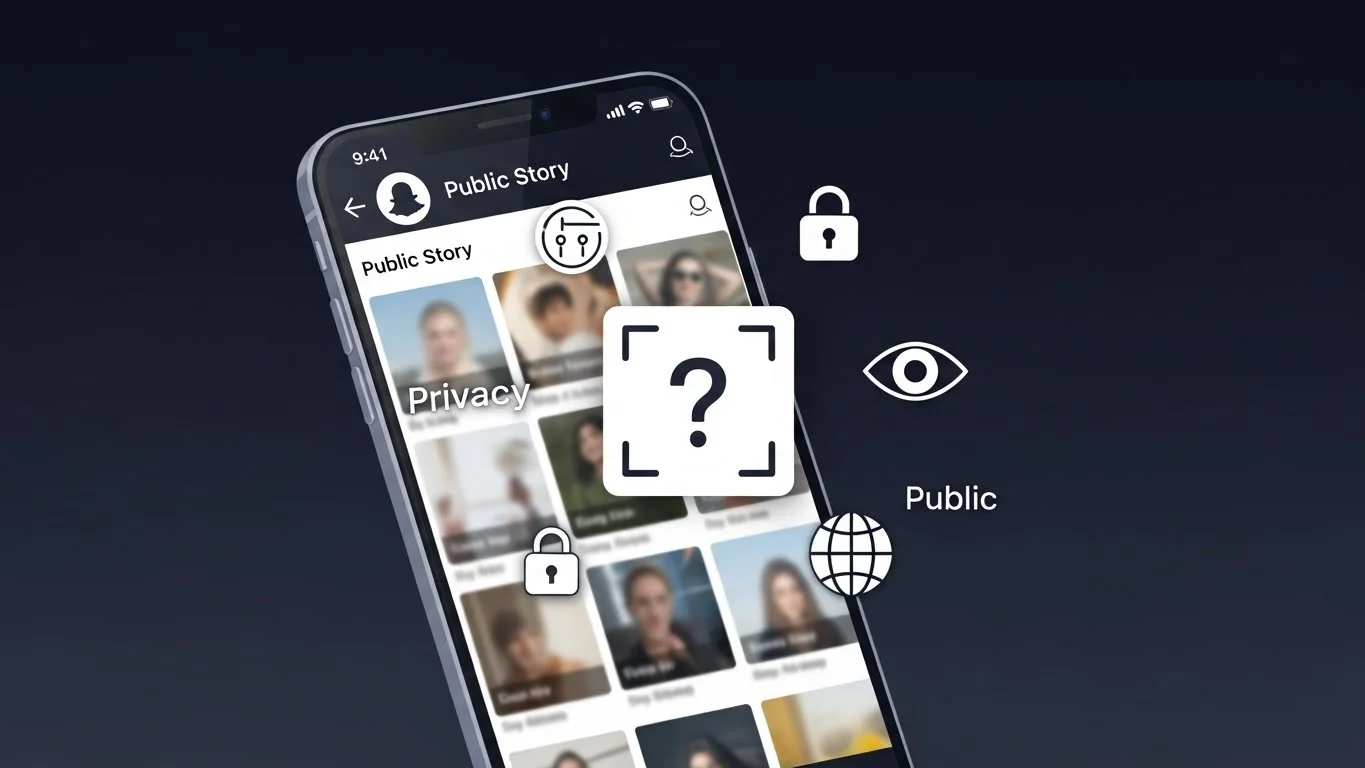
Public stories are meant to reach a wide audience, potentially thousands of users. Snapchat treats them differently because it’s impossible to track every screenshot individually.
I learned that this is intentional: Snapchat prioritizes privacy notifications for friends and private interactions, not for public content. Public stories are essentially “broadcasts,” so the app only provides aggregate insights instead of individual screenshot alerts.
What You Can See for Public Stories
Although you can’t see individual screenshots, Snapchat provides some data for public stories:
- Total views: You can see how many people viewed your story.
- Reactions: You can view who reacted with emojis, snaps, or messages.
- Insights (for verified or public creators): Some public accounts get additional metrics like total screenshots in bulk.
From my experience, these aggregate metrics help track engagement without revealing individual user actions.
How Privacy Settings Affect Screenshot Visibility
If your story is set to friends only, Snapchat will notify you of screenshots. Public stories, however, are different:
- Friends-only stories → individual screenshot alerts
- Public stories → no individual alerts; only aggregate data
I found this distinction important for understanding why I didn’t see notifications for public story screenshots. It’s not a glitch—it’s by design.
Tips for Monitoring Public Story Interactions
Even though you can’t see exactly who screenshot your public story, there are ways to monitor engagement:
- Check view counts regularly: High views can indicate your story is popular.
- Look at reactions and replies: Friends who interact often are your active viewers.
- Use Snapchat Planets: Observing engagement patterns through Snapchat Planets helps you understand which friends or followers engage most with your content.
- Post selectively: If you want more control, consider making private or friends-only stories for content you want to monitor closely.
These tips helped me maintain awareness of public story interactions without relying on screenshot notifications.
Common Myths About Public Story Screenshots
- You’ll always get a notification: False. Snapchat only notifies for private snaps or stories.
- Public story screenshots are tracked individually: False. Snapchat only provides aggregate data for public content.
- If you don’t see a notification, no one screenshot your story: Not necessarily. Public story screenshots are invisible individually, so the lack of alerts doesn’t mean zero screenshots.
Knowing these facts helped me adjust my expectations and post content accordingly.
Why Snapchat Handles Public Stories This Way
From my perspective, Snapchat’s approach balances privacy and scalability. Public stories can reach thousands of users, and sending individual notifications for each screenshot would be overwhelming and impractical.
This method also protects the privacy of viewers while still allowing content creators to see overall engagement.
Alternative Ways To Protect Public Stories
If you’re concerned about public story screenshots, you can:
- Use friends-only stories for sensitive content
- Add watermarks or text overlays to your snaps
- Share content selectively with close friends
- Track engagement using Snapchat Planets to see patterns and interactions
I use these strategies to feel confident about posting public content without worrying about unknown screenshots.
Final Thoughts on Public Story Screenshots
Not being able to see who screenshot your public story can feel frustrating at first. However, Snapchat’s system is designed this way to balance privacy, engagement tracking, and scalability. From my experience, understanding the difference between public and private stories helps manage expectations.By using aggregate metrics, reactions, and tools like Snapchat Planets, you can still monitor engagement and maintain control over your content. Public stories are meant for broad sharing, so focusing on overall reach rather than individual screenshots provides a clearer picture of how your content performs.